/ How-to
How to export your 888poker hand history
888poker saves hand history to its own folder under Documents - nothing to turn on, files pile up automatically as you play.
- 1Open the 888poker client (lobby) and sign in.
- 2Open "Settings" → "Game Settings".
- 3Tick "Keep my hand history in" - save the hand history.
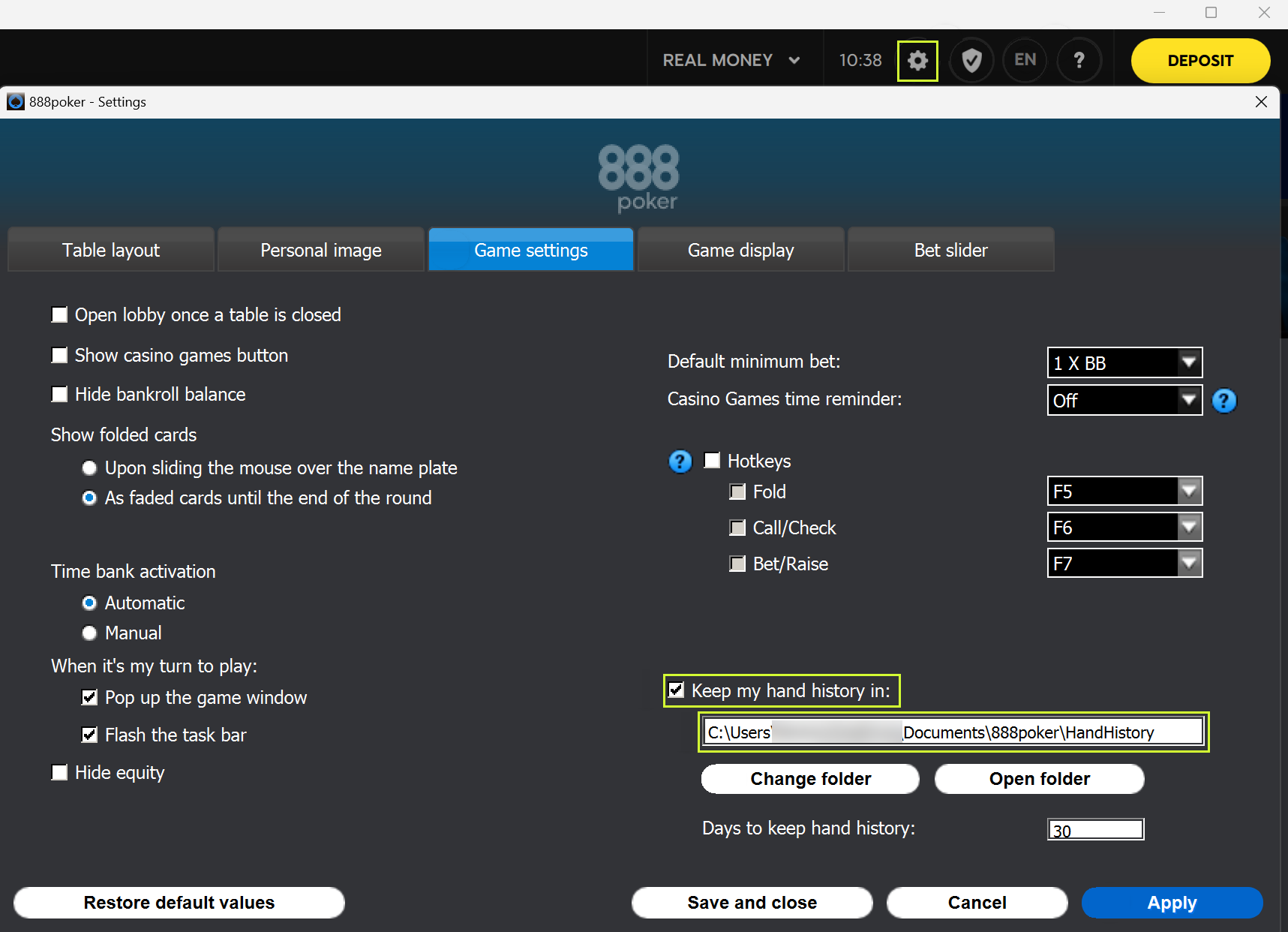
- 4The folder is shown next to it (to change it - the "Change Folder" button). Note the path.
- 5Open that folder and grab the tournament .txt files.
Folder with the files
Documents\888poker\HandHistory
sometimes: AppData\Roaming\PacificPoker\HandHistory
You upload: .txt
Playing on other rooms too - all the guides are here
Found the files - upload a tournament, the first review is free.
Upload a tournament